Careful What You Sign: How to Lose Your NFTs with One Click
In the early days of crypto, hackers had to steal your private key to rob you. Today, they just ask you to sign a piece of paper that says, "I give you everything." NFT theft rarely involves complex hacking; it involves deceptive signatures.
12/8/20251 min read
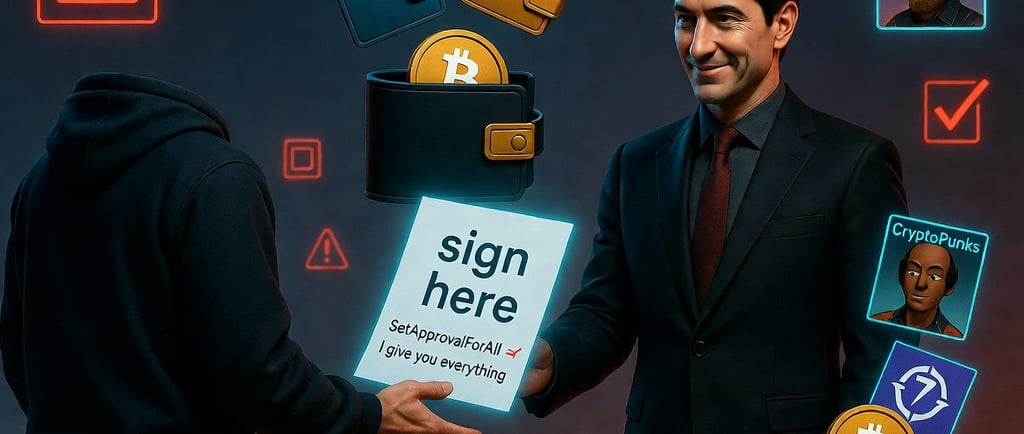
In the early days of crypto, hackers had to steal your private key to rob you. Today, they just ask you to sign a piece of paper that says, "I give you everything." NFT theft rarely involves complex hacking; it involves deceptive signatures. Scammers exploit a specific function in the NFT standard called SetApprovalForAll to drain high-value collections while you sleep.
1. The "Free Mint" Lure
You see a link on Twitter or Discord: "Secret Mint! Last 50 spots for free!" or "Claim your exclusive airdrop." The urgency makes you act fast. You click the link, connect your wallet, and a pop-up appears asking you to sign a transaction.
2. What You Are Actually Signing
The transaction pop-up in MetaMask might look like a bunch of confusing code or a simple "Signature Request."
The Reality: You are not minting a new NFT. You are signing a "SetApprovalForAll" transaction. This function grants the scammer's smart contract permanent permission to transfer all NFTs from a specific collection out of your wallet.
The Aftermath: You don't even lose money immediately. The scammer can wait. Hours or days later, they execute the transfer and empty your wallet of every valuable JPEG you own.
3. Protection Tools
Standard wallets often do a poor job of explaining what a transaction does. You need a "translator."
Install Wallet Guards: Use browser extensions like Pocket Universe or Wallet Guard. When a transaction pops up, these tools simulate it and show you a big warning: "WARNING: You are granting access to all your Bored Apes."
Read Before You Sign: If you see the words "SetApprovalForAll" or "Approve All" on a site you don't 100% trust, reject the transaction immediately.
Summary:
The NFT world is full of fake websites. If you don't understand what a signature request does, do not click "Confirm." Use simulation tools to see the future before it happens.